This article will guide you through the steps of assembling and connecting the OG Harvest System hardware.
What's in the box:
|
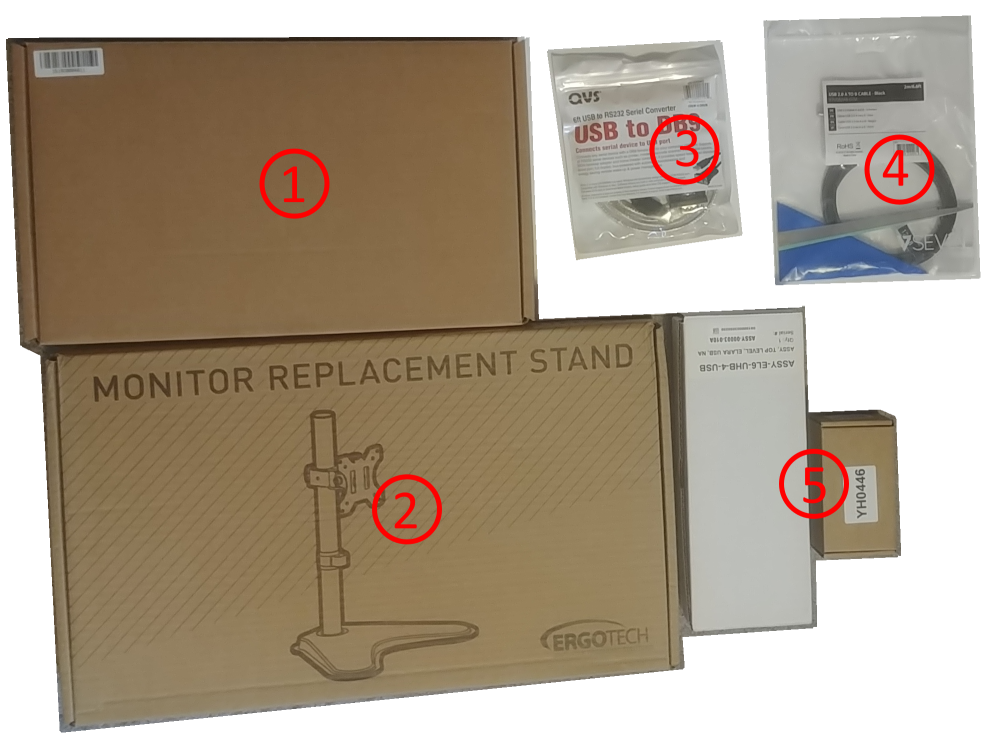 |
Setup the desktop stand
Start by assembling the desktop stand per the included instruction. Important: When it comes time to attach the touchscreen, use the screws found in the touchscreen's box, NOT the screws that come with the stand.
Make sure that the ports (USB, Ethernet, etc.) are on the bottom of the tablet. Lastly, locate and install the WiFi antenna found in the touchscreen's box.
With that out of the way, let's move on to Initial software setup...
Video below
Comments
0 comments
Please sign in to leave a comment.