Plant yield is calculated using data collected by the OG Harvest System. For that reason, it will take several months of using Outlaw Solutions to have enough data to be meaningful.
Yield by harvest
 |
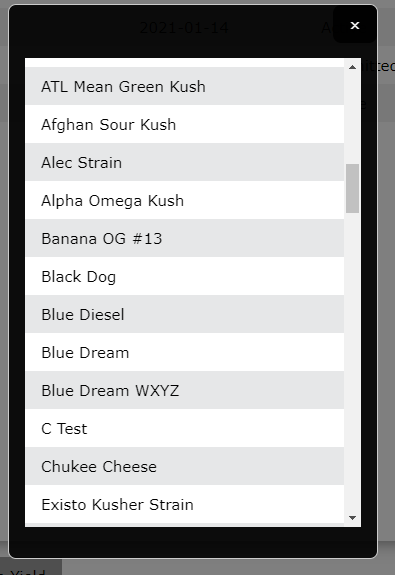 |
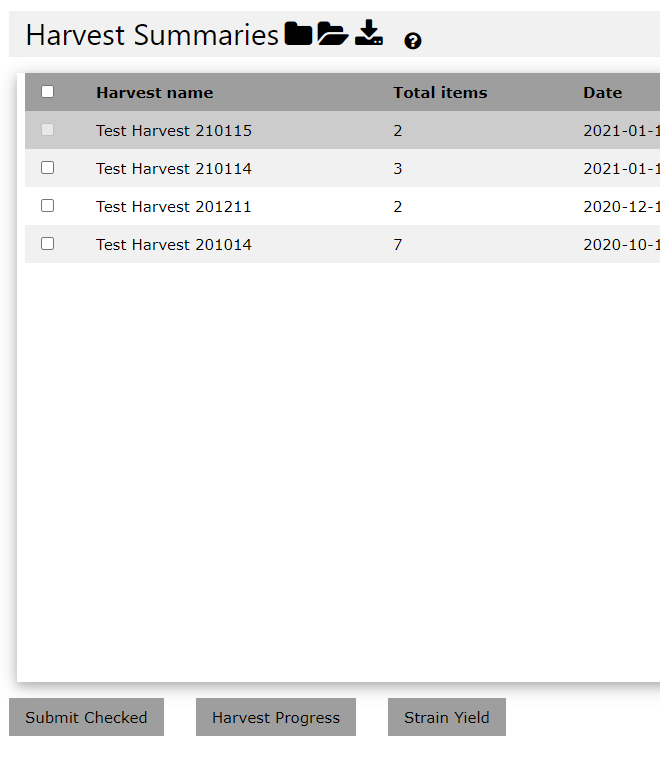
| Start by clicking the "Strain Yield" button in the lower right corner of the "Harvest Summaries" page. | A popup will then open with a list of available strains. Click on the strain name to view the yield report. |
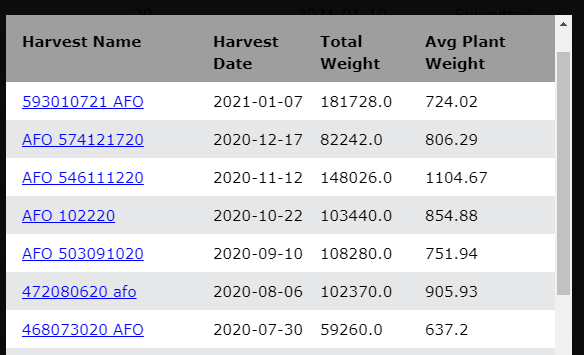
The yield report will contain a list of all harvests of that particular strain, with total yield and per-plant yield. This data can be downloaded as a CSV by clicking the download icon in the upper left corner.
Yield by strain - by location
 |
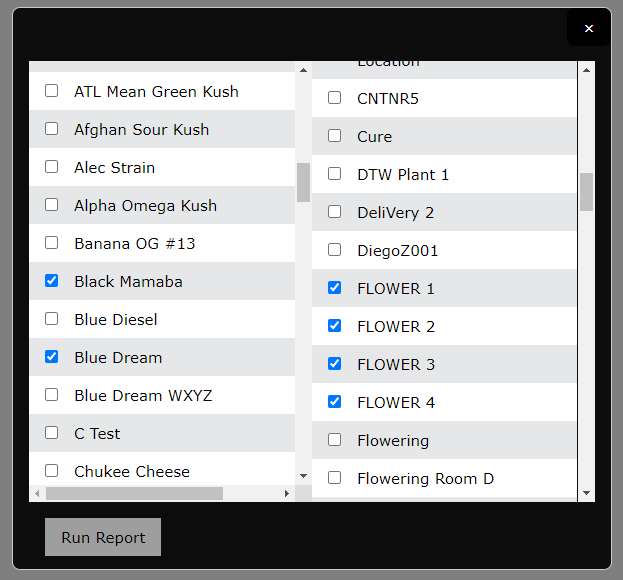 |
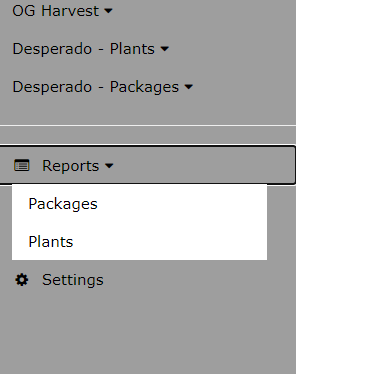
| Access this from the "Plants" section under the "Reports" tab | A popup will present you with a list of all strains and all locations in your facility. Use the checkboxes to select multiple strains/locations and then click "Run Report" |
Note: This process report can take a few minutes to complete. The time it takes will be determined by how many strains/location are selected.
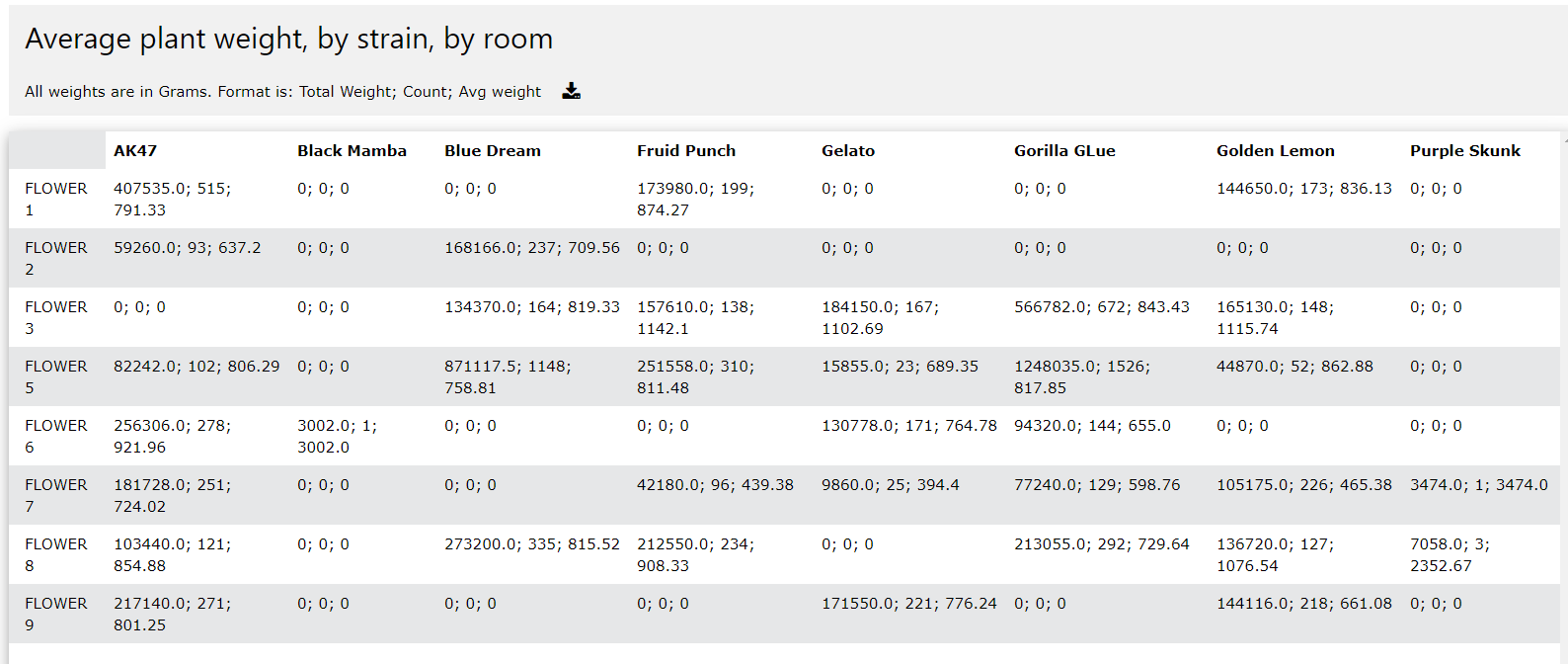
Once the report has generated a table of yield data will display. Each row is data for a particular location, and each column is for strains. The cells of the table contain three pieces of data each:
- Total Weight - Total wet weight of that strain that was harvested out of that location
- Count - Total number of plants of that strain that have been harvested out of that location
- Average weight - The quotient of the above two numbers
This data can be downloaded as a CSV file by clicking the download button in the grey title bar.
Comments
0 comments
Please sign in to leave a comment.