Please read the Harvesting Plants article first, as this article only covers the differences unique to recording Waste weights
Starting the Waste Session
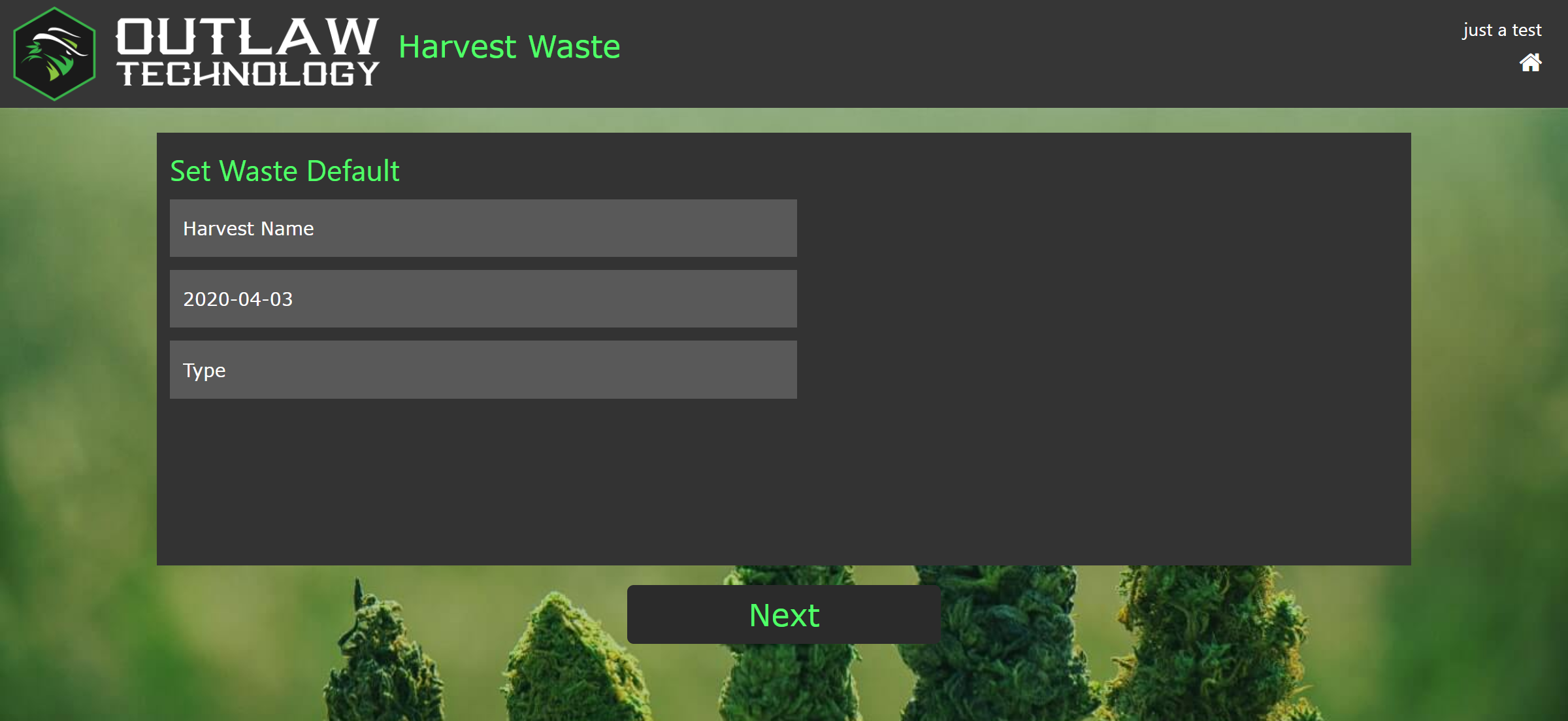
This screen lets you set the waste session data.
- Harvest Name - Tapping this opens a popup list of available harvest names to remove waste from.
- Date - This value will default to today's date, but can be changed if needed. Just make sure to keep the yyyy-mm-dd format.
- Type - This will open a popup list of available waste types. For many states this will only contain "Plant Material."
Capture Waste Weight
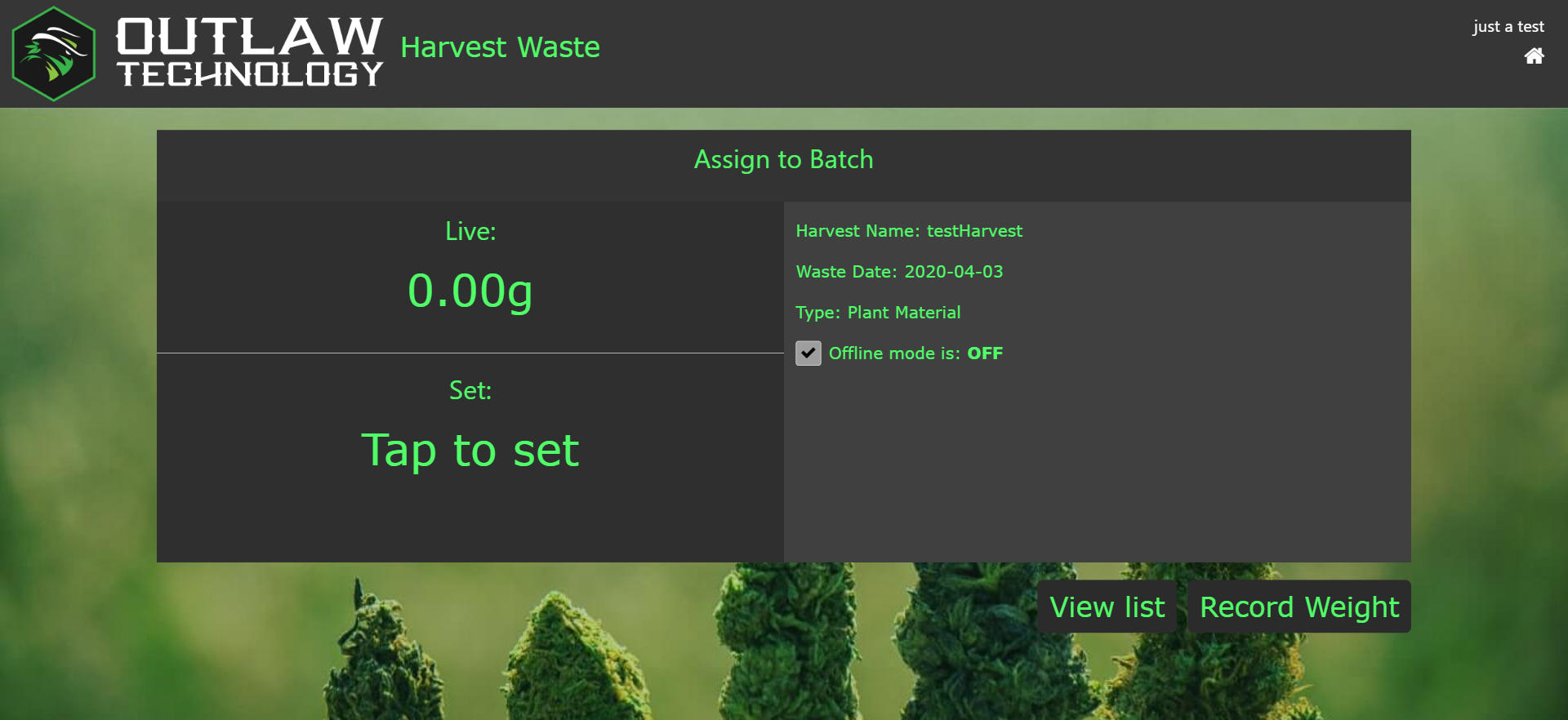
The waste weight capture screen is very similar to the harvest weight capture screen. The main difference is that no tag id needs to be scanned. This eliminates the "Scan Plant Tag" message and replaces it with "Assign to Batch", as well as eliminating the Multi/Single mode selector. Other than these changes, everything functions the same as in a harvest.
Comments
0 comments
Please sign in to leave a comment.